


Mac Virtual and Remote Desktops

Mac VDI doesn't have to be complicated
Providing Mac desktops to distributed teams used to mean shipping hardware around the world, wrestling with device management, and accepting security tradeoffs. That’s no longer the case.
MacStadium hosts real Apple hardware in secure, global data centers and enables multiple remote access and VDI strategies on top of it. You choose the level of performance, control, and integration you need.
Choose a Mac VDI solution
Not every organization needs the same level of VDI sophistication. MacStadium supports these proven approaches, from full enterprise VDI to simple remote Mac access.
MacStadium makes Mac VDI possible
VDI that meets the needs of your end-users
Mac VDI isn’t one-size-fits-all. These are the most commonscenarios and which solution typically fits best.

Recommended solution: Citrix for Mac
For globally distributed development teams, especially offshore contractors or partners, Citrix delivers the best balance of performance, security, and control.
Citrix and MacStadium teams have tested Mac VDI performance extensively and consistently see extremely low latency—even when users are located far from the data center. Combined with Citrix security controls, this makes it ideal for situations where source code and IP must remain protected.

Proven low-latency experience over long distances
No source code stored on local endpoints
Strong access controls, SSO, and MFA
Easy onboarding and offboarding for contractors
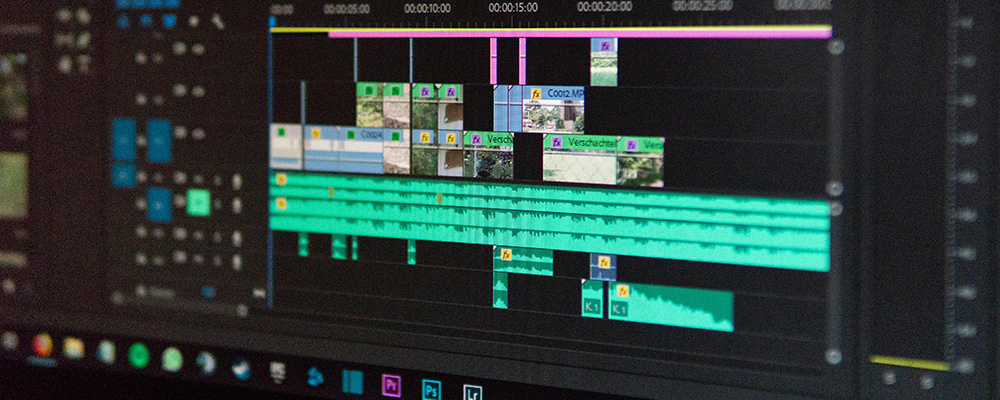
Recommended solution: MacStadium Bare Metal Mac + VDI agent of your choice
Creative and media workflows prioritize image fidelity, color accuracy, and smooth rendering. MacStadium provides the hosted Mac hardware, you bring the remote access tool that works best for your team, such as NoMachine, Parsec, or Apple Screen Sharing.
This solution is commonly used by design, video, and creative teams that need powerful Macs but don’t want those systems sitting under desks.
High-quality rendering and color accuracy
Consistent experience for graphics and video workflows
Centralized Macs hosted securely in a data center
High-performance Mac Studios and Mac minis available

Recommended solution: Orka
Your mobile app development team needs Mac to develop and publish the mobile app. Dedicated development Macs can run CI pipelines, automated tests, or specialized build jobs without tying up local developer machines.
Orka is a virtualization and orchestration platform that can run on MacStadium or anywhere you have Mac hardware, including on-prem or AWS.
Ephemeral build environments for reliable build & test sequences
Low maintenance, fleet of Mac development resources
Scalable to meet the needs of even the most complex pipelines

Recommended solution: MacStadium VMs + Citrix
Macs are necessary for certain projects and workflows, but that doesn’t mean every team member needs one as a daily workstation. Give them remote access to a virtual Mac workstation, as needed.
MacStadium VMs + Citrix deliver the best balance of speed, security, and control. Provision a new Mac desktop from a golden image in minutes. Sensitive data and IP never leave the data center. Onboarding and offboarding take minutes instead of days.
Provision new Mac desktops in minutes
No sensitive data stored on local endpoints
Easy onboarding and offboarding