

MacStadium Blog
In early 2016, VMware began including the embedded HTML5 host client for managing ESXi in version 6.0 U2 from your web browser. It’s a great solution for users getting started with a dedicated Mac.

Many MacStadium customers take advantage of the fast internet connection and strong performance of one or more Mac mini’s to outsource CI and CD build server duties.
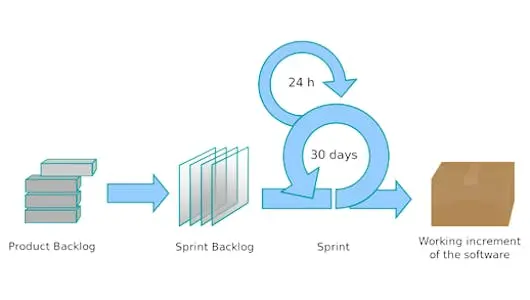
With the software industry moving forward rapidly and trends shifting, a delay in product release can be disastrous for a company.
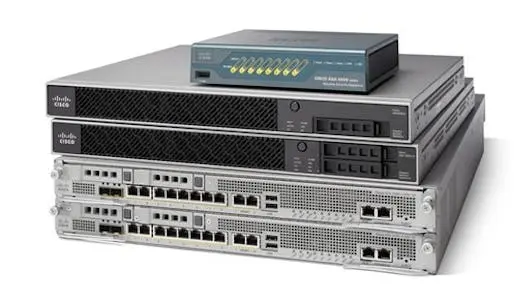
The majority of our enterprise customers (and all customers using Mac private cloud environments) take advantage of one of the Cisco Firewall options that we offer here at MacStadium.

Utilizing a hosted Mac at MacStadium to run Plex media server is a great solution! Plex organizes video, music and photos from personal media libraries and streams them to smart TVs, streaming boxes and mobile devices.

Several weeks ago, we have obtained a working patch which corrects this condition for 10.9.x and 10.10.x. It is our understanding that this patch will eventually be incorporated into a future version of OS X 10.10.x Mavericks.
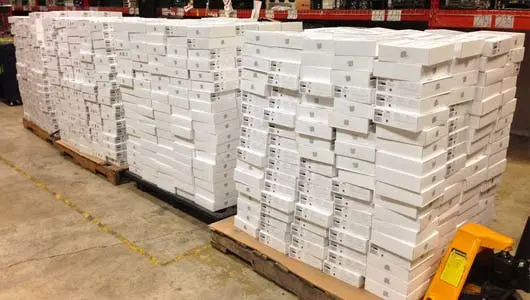
We just completed inventory, and had a few moments to reflect on the fun journey we have had here at MacStadium since we first got our start in early 2012.
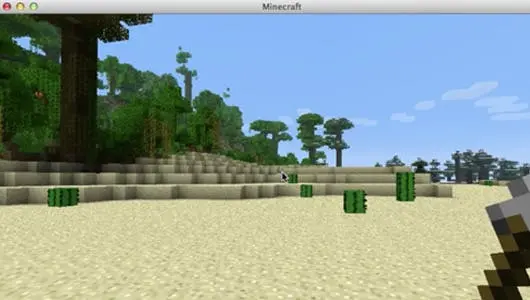
Installing a Minecraft server on a Mac is slightly more involved than on a Windows machine; however, the process is very simple when following our step-by-step video!
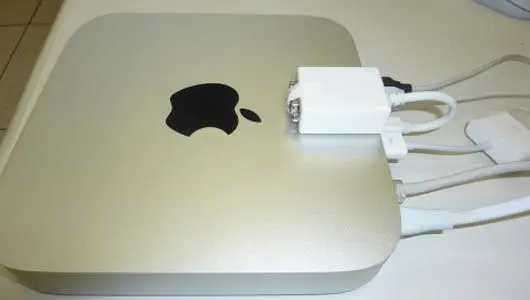
I am going to walk you through the process of installing Splashtop Remote and its virtual display driver on your Mac Mini.
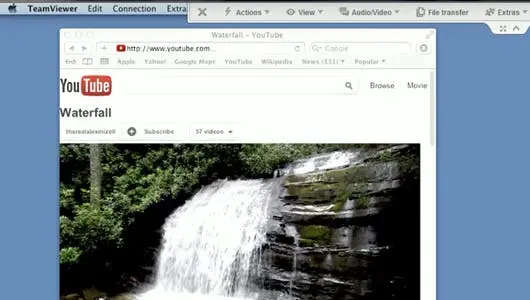
Where Do I Begin? So you have a MacStadium hosted server and you're all ready to do something with it. The first question on your mind is probably "How do I control this thing?"
There are a lot of players in the iOS testing landscape. We’ve picked four open source platforms for your consideration.